How to Use TikTok: A Beginner's Guide
Learn the five main areas of TikTok: the For You feed, Search, creation tools, Inbox, and your Profile.
Swipe through the For You feed to watch videos, use Search to find topics, tap + to create, open Inbox for activity and messages, and use Profile to manage your account.
Before you start
TikTok personalizes recommendations from your activity. Review privacy settings before posting, and avoid sharing personal information in public videos, comments, or your bio.
Follow the steps
Browse the For You feed
TikTok opens on a personalized For You feed. Swipe up for the next video. Use the buttons on the right to like, comment, save, or share.
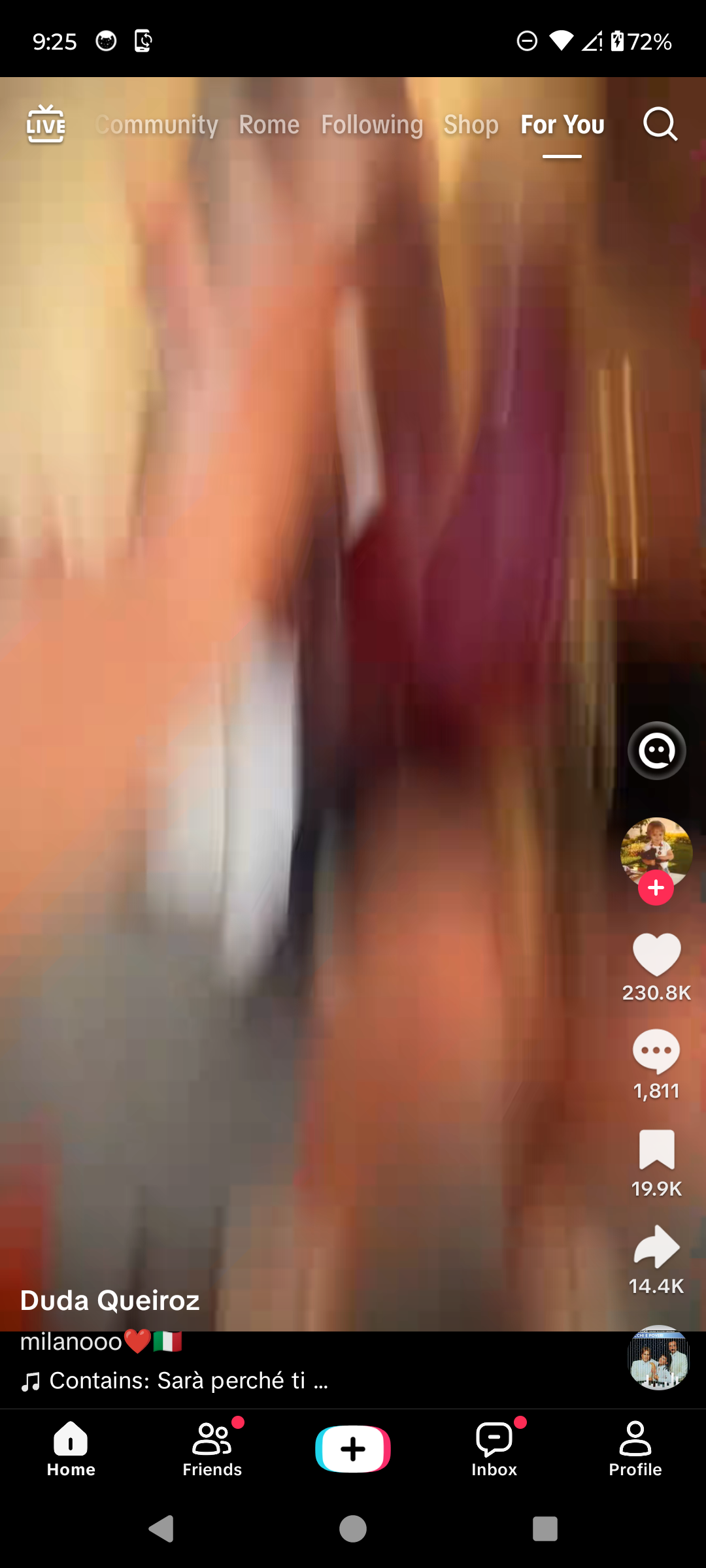
Browse videos in the For You feed. · Tap to enlarge Search for topics and creators
Tap the magnifying glass, enter a topic, creator, sound, or hashtag, then tap Search.
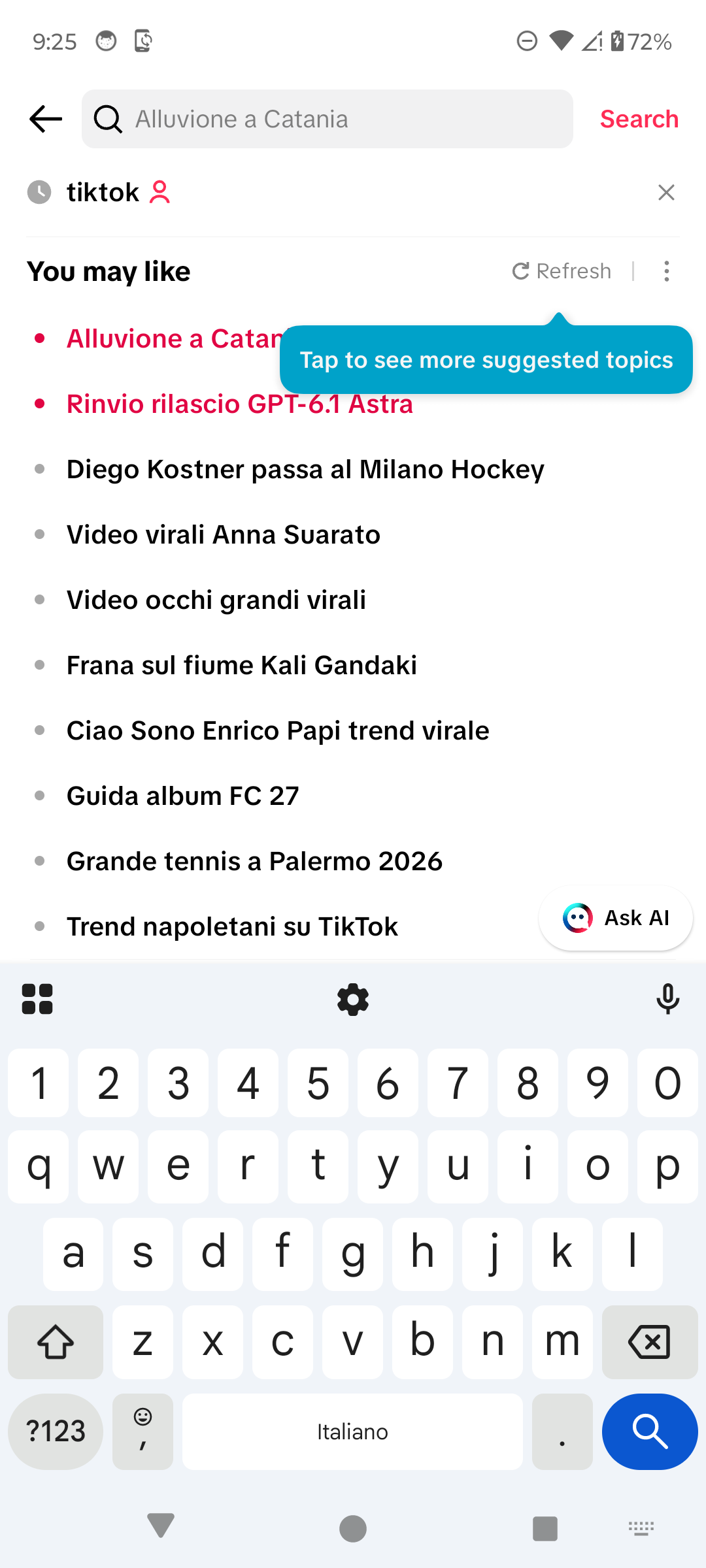
Search for a topic or creator. · Tap to enlarge Create a post
Tap the Add post + button in the center of the bottom navigation. Record with the camera or choose media from your phone.
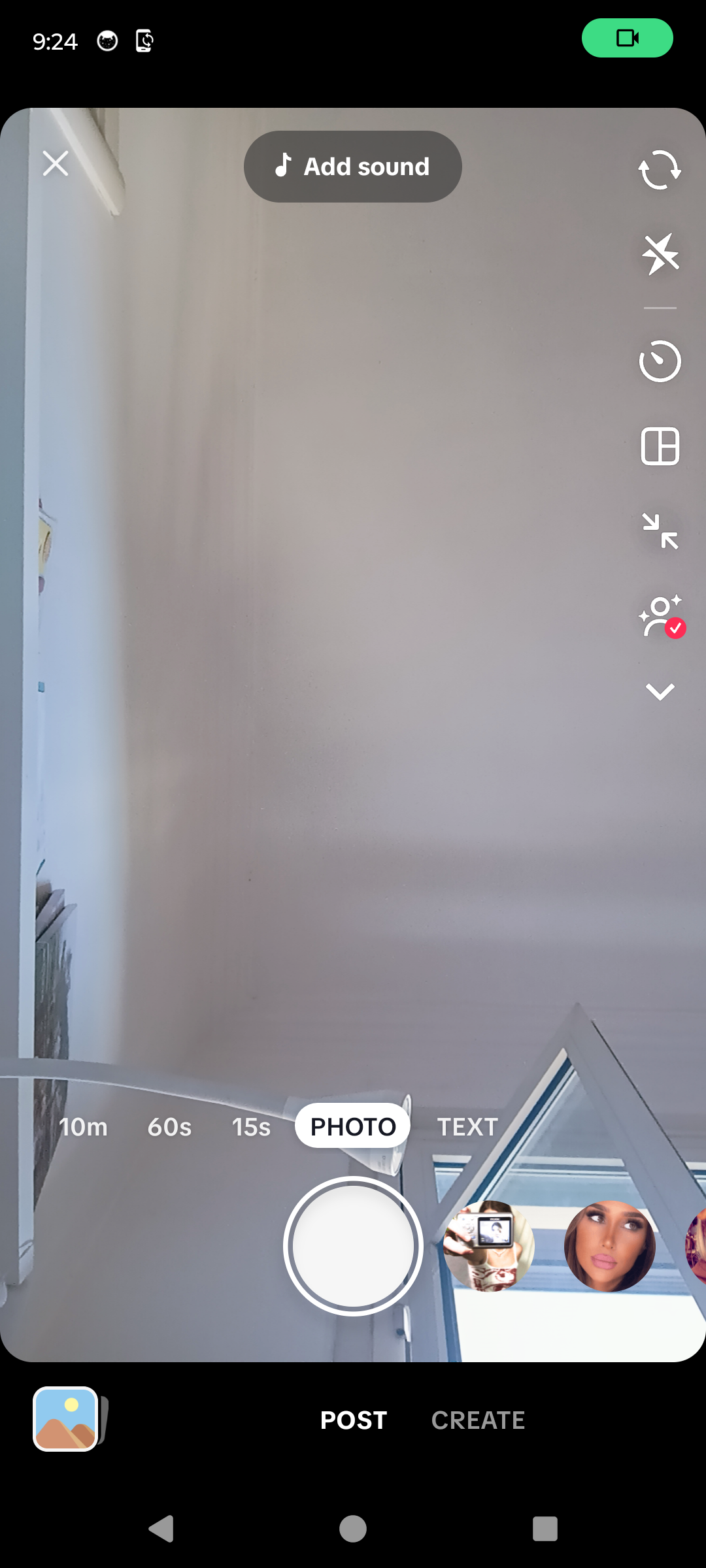
Record or upload a new post. · Tap to enlarge Check activity and messages
Tap Inbox to see account activity, system notifications, followers, and conversations available to your account.
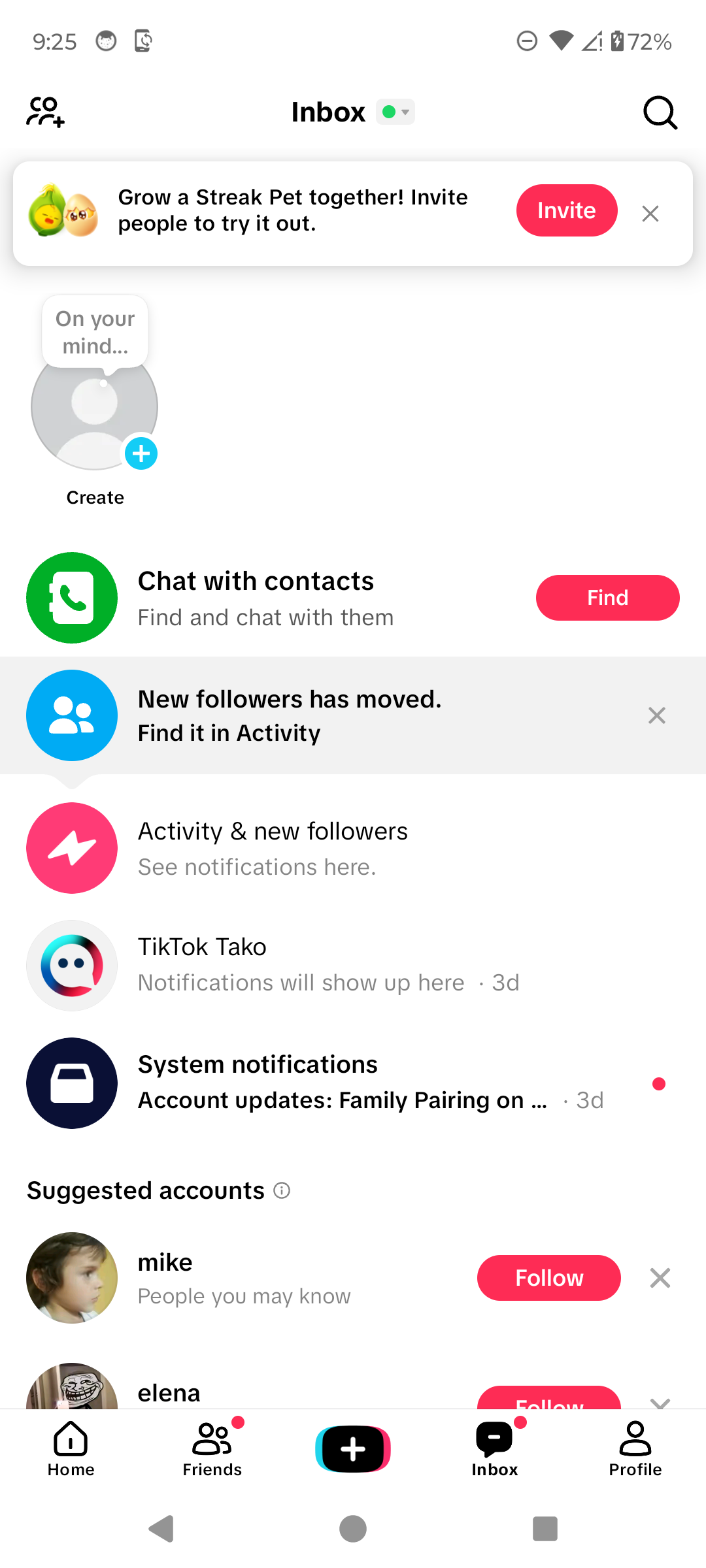
Open Inbox for activity and messages. · Tap to enlarge Manage your profile
Tap Profile to view your posts, follower counts, saved items, and profile settings. Use the menu button for Settings and privacy.
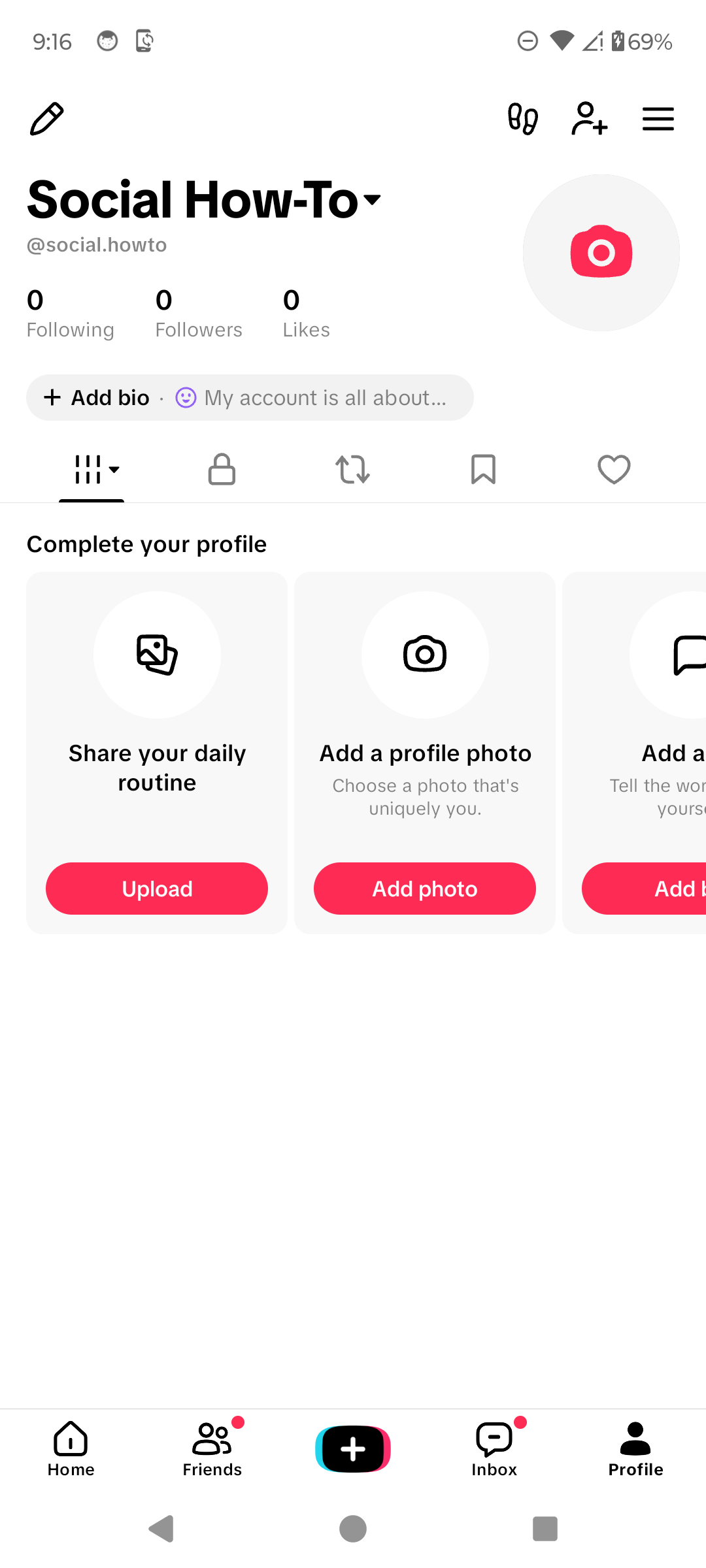
Open your profile and settings. · Tap to enlarge
A couple of useful details
What is the For You feed?
It is TikTok's personalized stream of recommended posts. Recommendations change as you watch and interact with content.
Do I need to post videos to use TikTok?
No. You can browse, search, follow creators, and interact with allowed content without publishing a post.
Where are TikTok settings?
Open Profile, tap the menu button at the top right, then choose Settings and privacy.
Where do notifications appear?
Tap Inbox to see activity, account updates, and available conversations.
How do I tell TikTok I do not like a video?
Open the video's Share menu and tap Not interested. TikTok can use that feedback to adjust recommendations.
Something not quite right?
Help us keep this guide accurate. A quick flag is enough.
Your report is sent to the Social How-To editorial team.