How to Delete a Facebook Story
Remove a photo or video from your active Facebook story and check Story archive when the story has already expired.
Open Facebook and tap Your story. Move to the photo or video you want to remove, tap the three-dot menu, choose Delete photo or Delete video, and confirm Delete. Repeat this for each story item you want to remove.
Before you start
Deleting one photo or video removes only that item from the story. If a story has expired, check Story archive instead. Archive is private, but it must have been enabled before the story expired for the item to be saved there.
Follow the steps
Open the story item
From the Facebook home screen, tap Your story and move to the photo or video you want to remove.
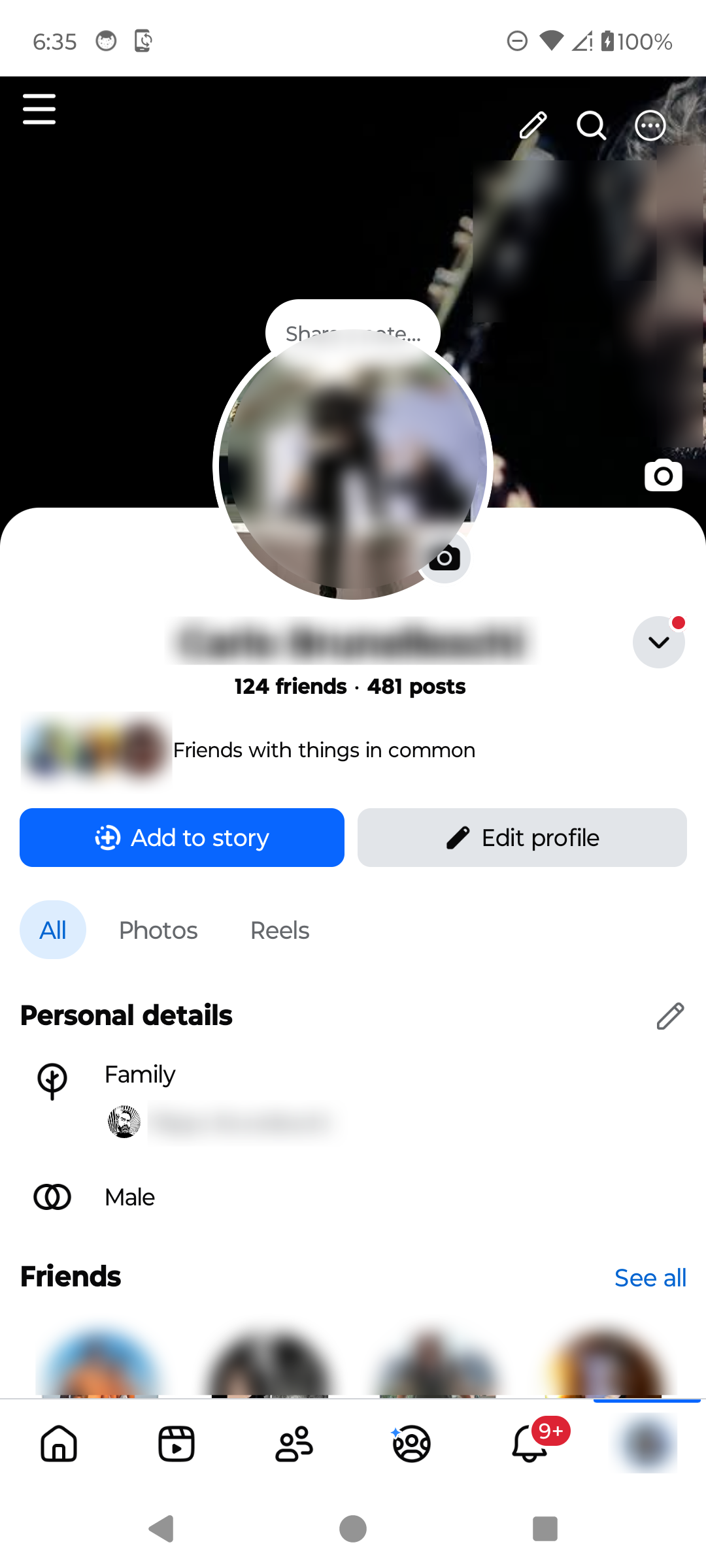
Open the exact story item you want to remove. · Tap to enlarge Delete the photo or video
Tap the three-dot menu, choose Delete photo or Delete video, then confirm Delete. Repeat for any other item you want to remove.

Use the story menu and confirm the correct item. · Tap to enlarge Check Story archive for expired items
If the story has already expired, open your profile menu, choose Archive, then Story archive. Select an archived item and use its menu to delete it. If archive was off, the expired item will not be there.
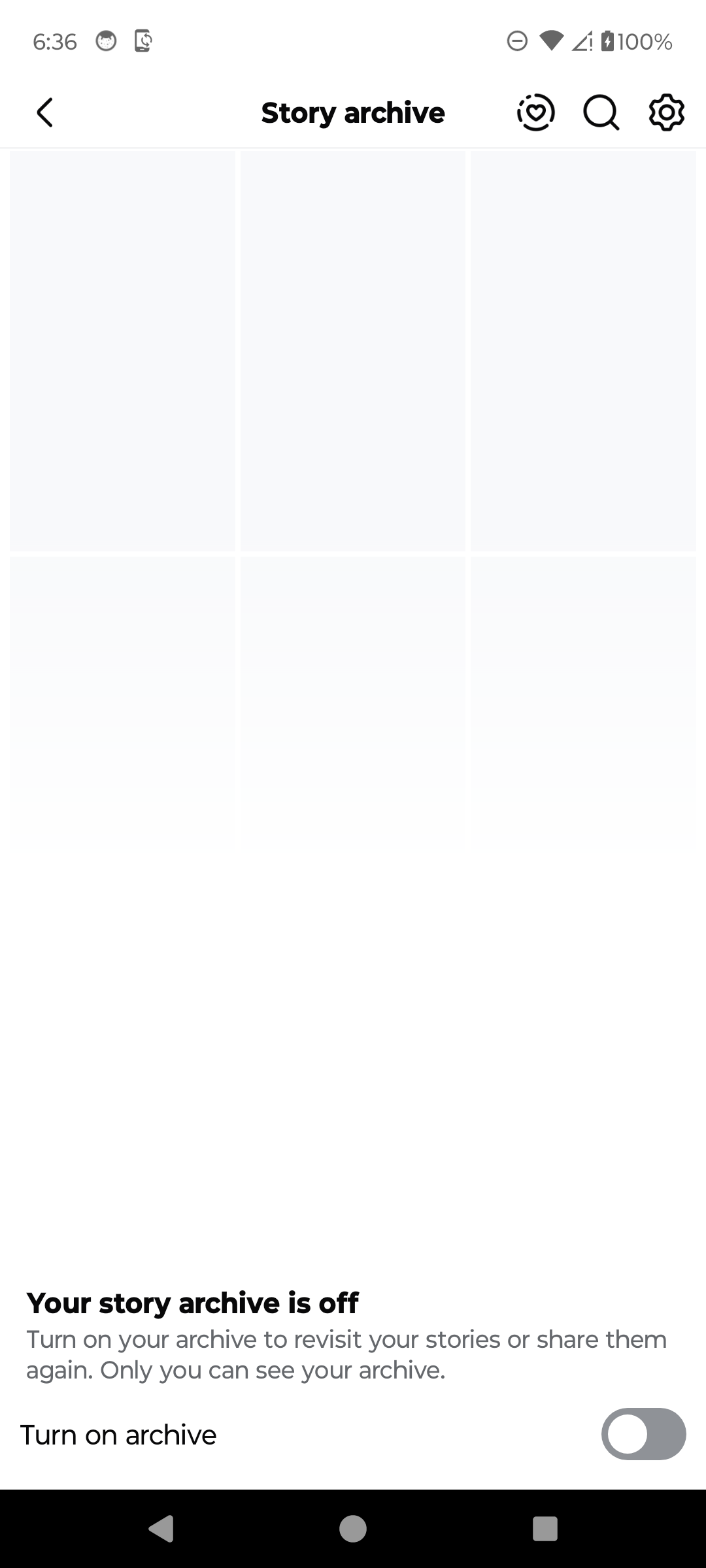
Expired stories appear only when archive was enabled. · Tap to enlarge
A couple of useful details
Does deleting one item remove the whole story?
No. A story can contain several photos or videos. Delete each unwanted item separately.
Can I delete an expired story?
If Story archive was enabled and the item was saved, open the archive, select it, open its menu, and choose the available delete option.
Why is my Story archive empty?
Archive may have been turned off when the story expired, or the account may not have archived stories.
Can I undo deletion?
Do not assume deletion can be undone. Save a copy first if you may want the photo or video later.
Something not quite right?
Help us keep this guide accurate. A quick flag is enough.
Your report is sent to the Social How-To editorial team.